
Jobflo
Running solar roofing operations from first lead to finished job.
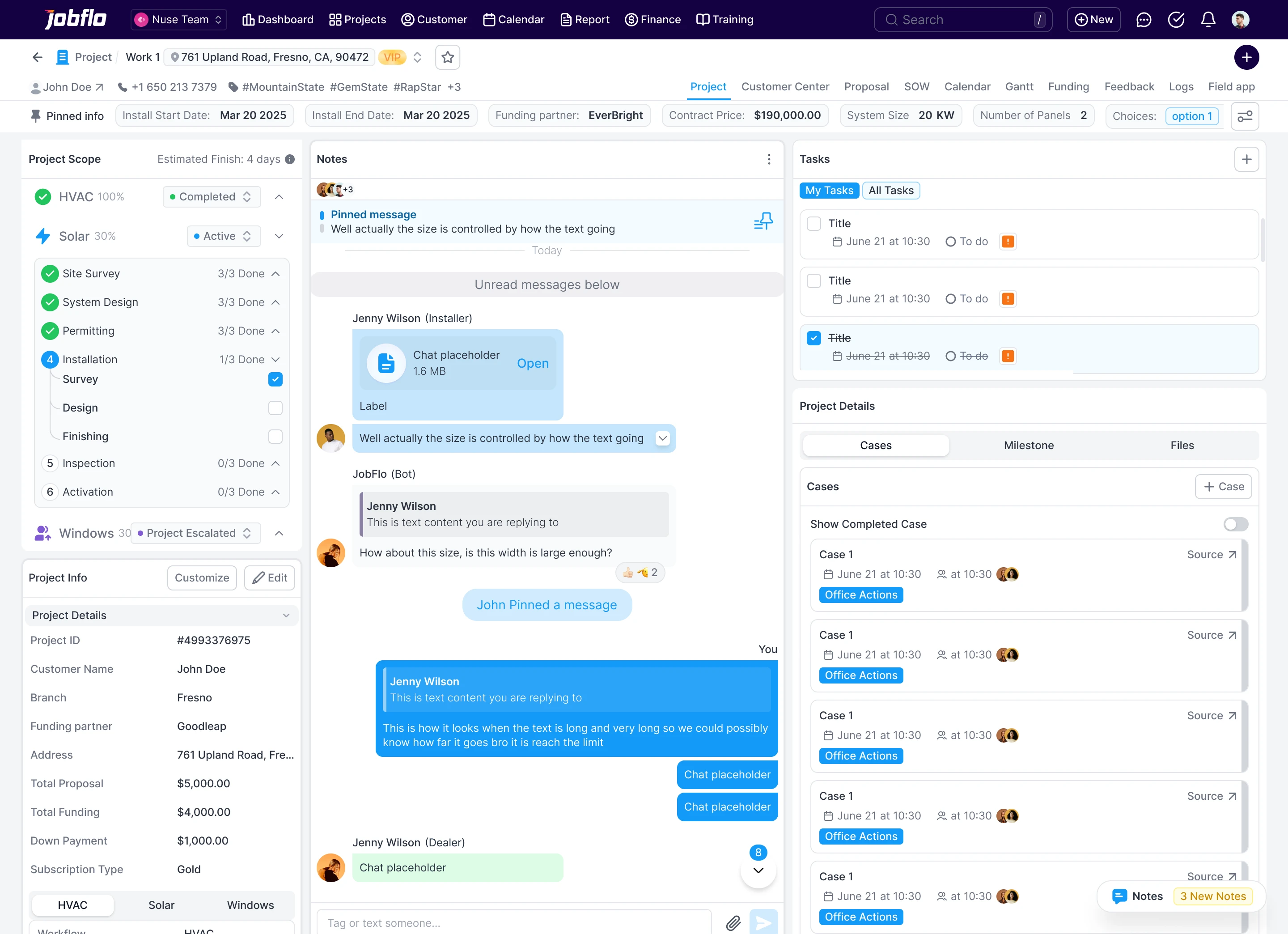
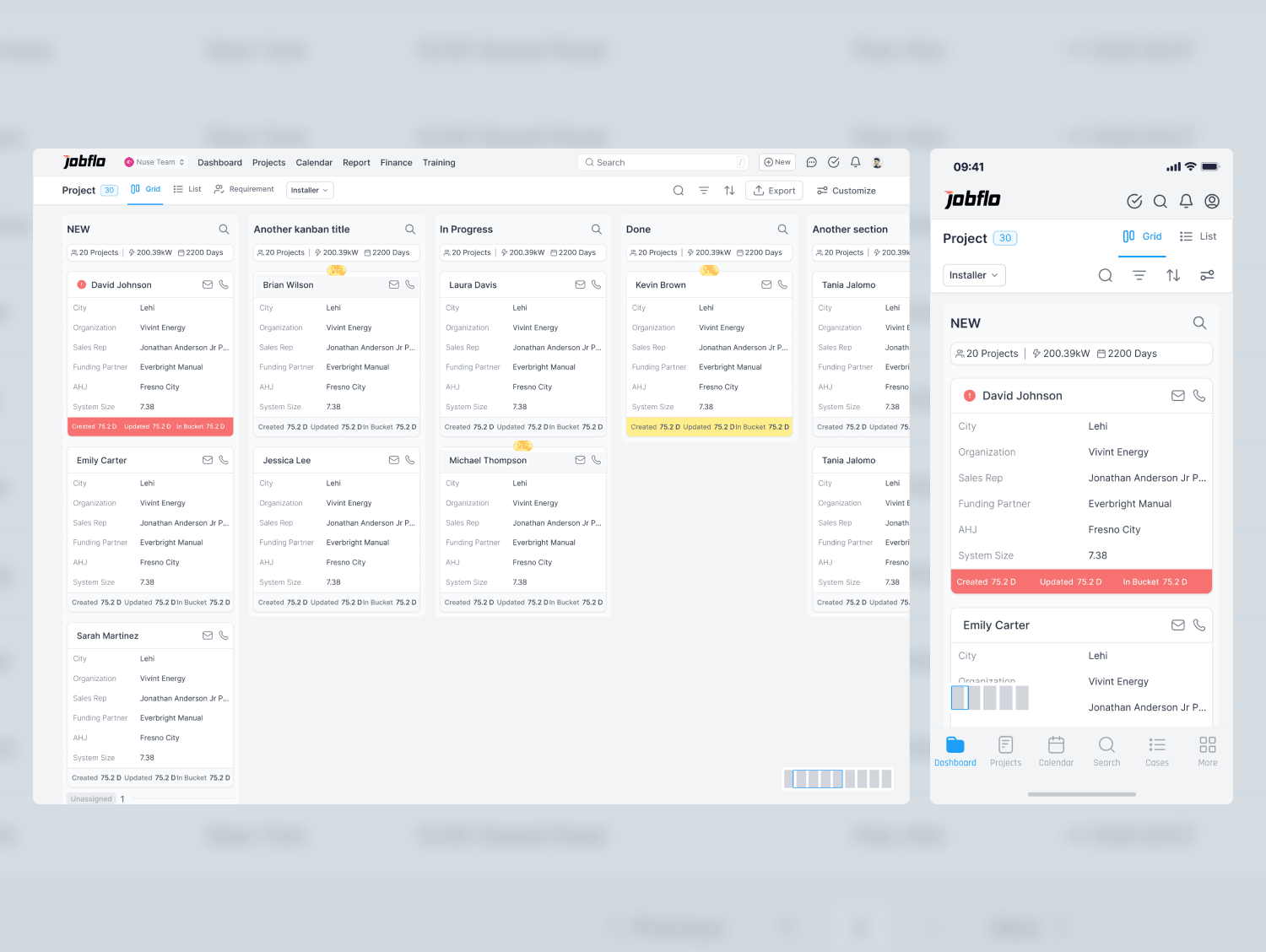
Jobflo is a SaaS platform for running a solar roofing business: leads, estimates, scheduling, jobs, and a customer portal in one place. I design the web platform and the mobile app, for office staff, field crews, and homeowners.
Problem
Roofing contractors were stitching together CRMs, spreadsheets, and SMS to run jobs. That left four problems to solve:
- Fragmented communication across each project.
- Photo documentation and approval that was slow and hard to track.
- Complex scheduling across multiple teams.
- No customer visibility into how their project was going.
Goal
Put project management in one place, speed up photo approval, make it easier for teams to work together, and show customers where their project stands. And make it something field crews and ops teams actually want to use.
My role
I work on Jobflo as the senior UI/UX designer, covering flows and UI for both the web platform and the mobile app. I design for four groups: project managers, field workers and contractors, customers, and organization admins.
Approach
I started by ranking features by priority and complexity. Task management, photo approval, the calendar, and the customer portal came first. The form builder and workflow automation came next.
Photo approval was the flow that touched the most people, so I mapped it step by step:
- A field worker takes photos on site.
- They upload them to the project.
- The manager gets a notification.
- The manager approves or asks for changes.
- The customer is notified when the work is done.
Photo list and approval
- Crews upload from the field, managers review in one list
- Approve or request changes, and the customer is notified when the work is done
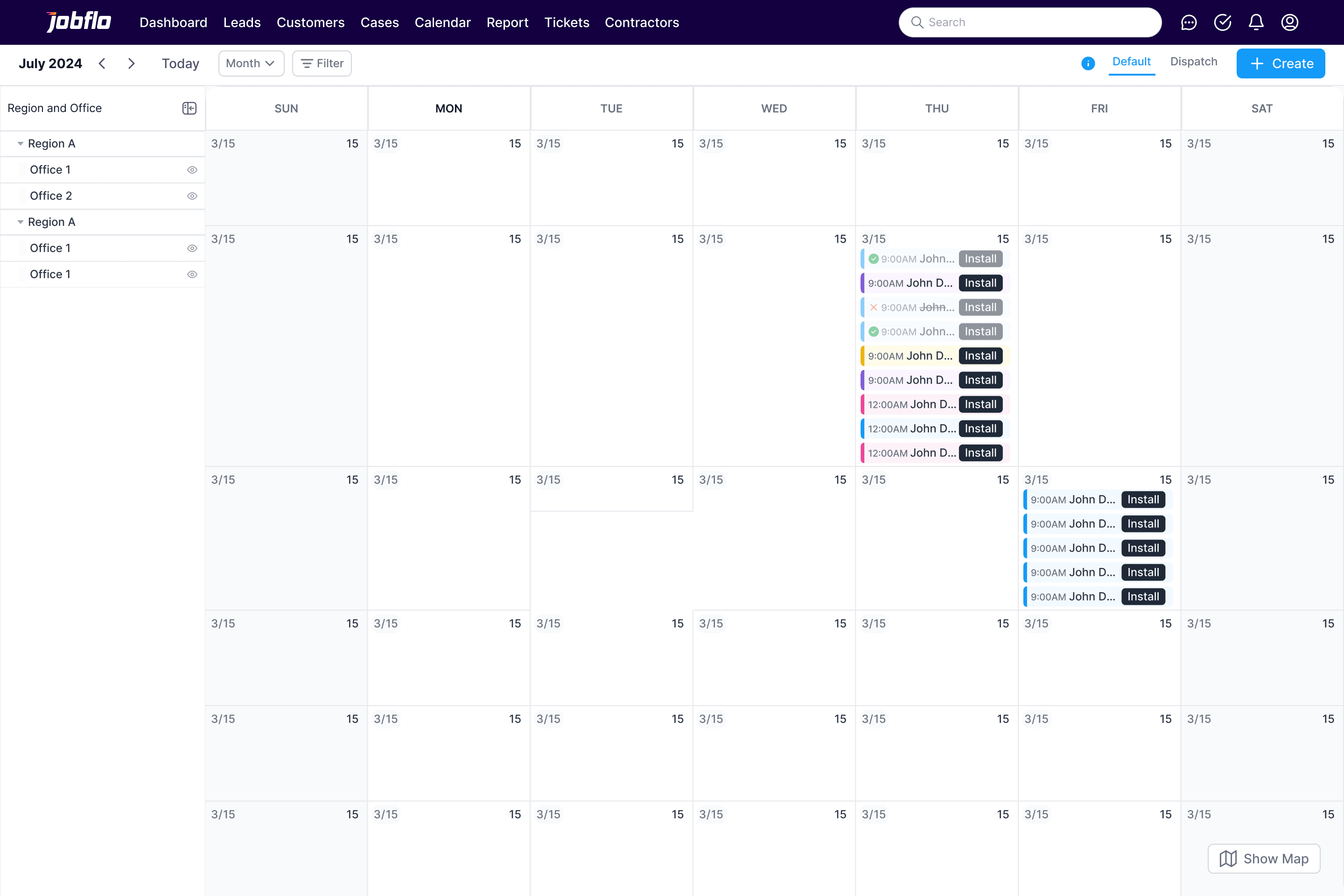
Task management and calendar
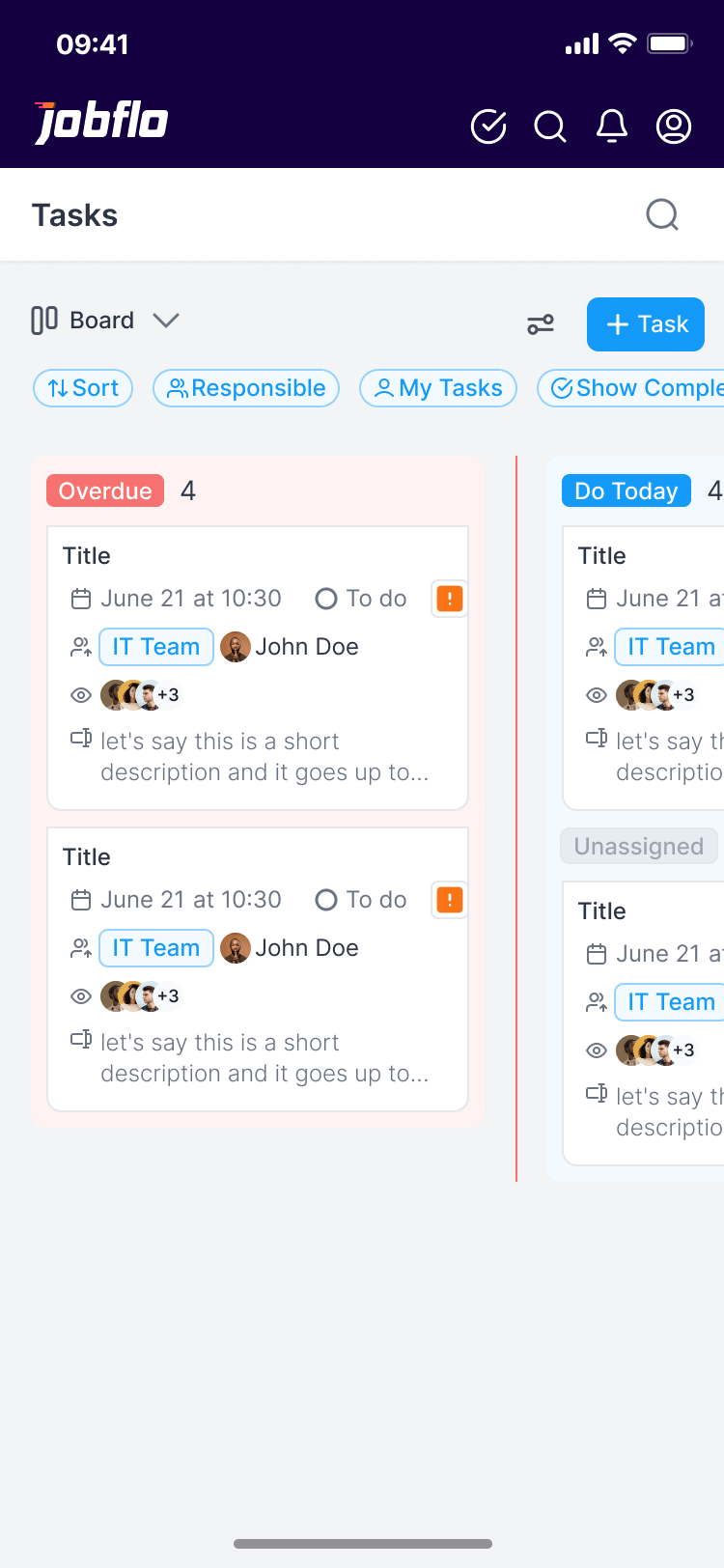
- Tasks and schedules for every project in one place
- Built to handle scheduling across several teams at once
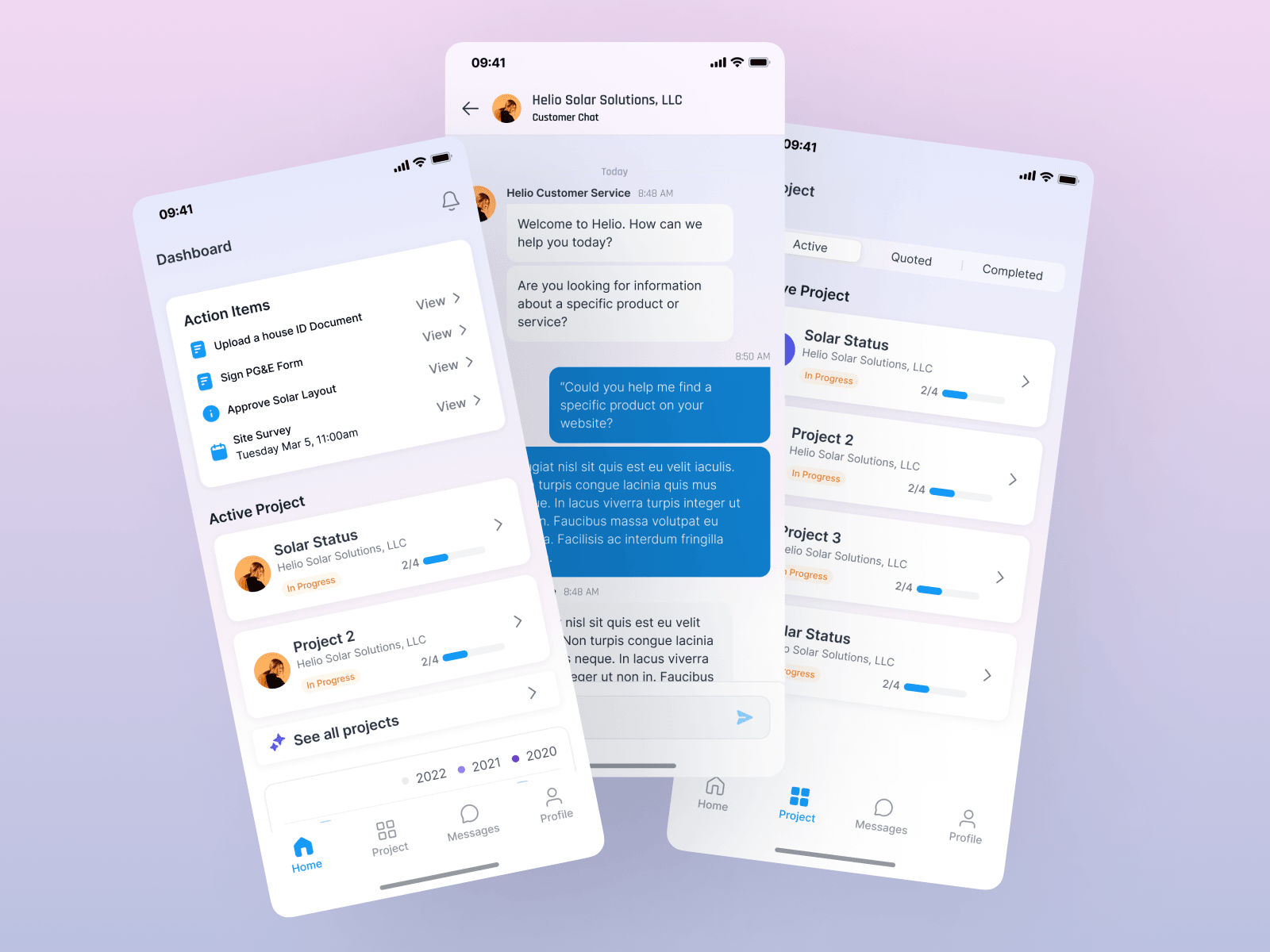
Customer portal
- Homeowners follow their project's progress without calling the office
- Available on mobile
Try it
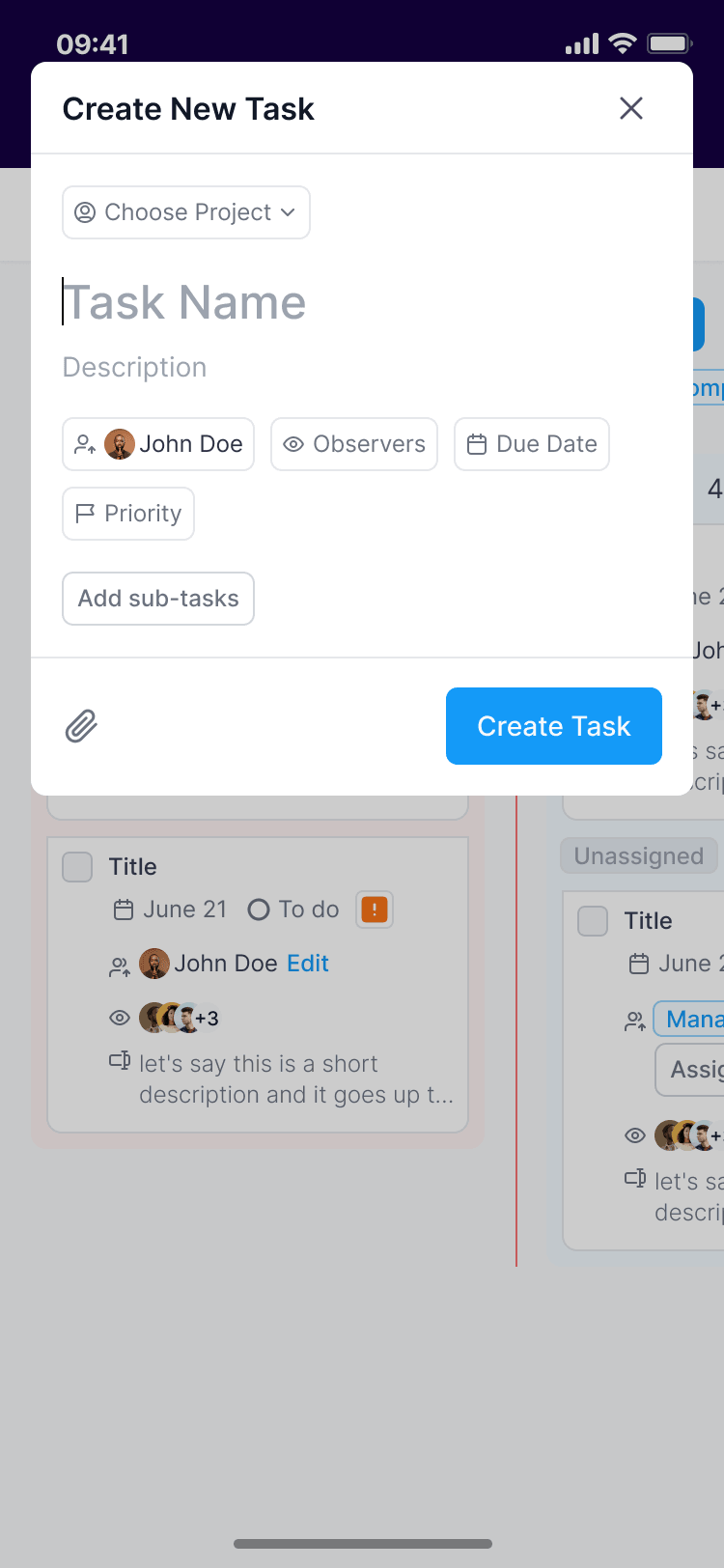
Field crews, office staff and managers all work from the same task board, so it sorts work by when it is due rather than by who owns it. Every card shows the date, status, priority, team and people at a glance, and each of those opens its own quick menu with a keyboard shortcut. The prototype below runs the task screens from the Figma file: drag a card to a new due date, hover a card and press S, P, A, O or D, then create a repeating task.


 June 20 at 10:30


Dispatch
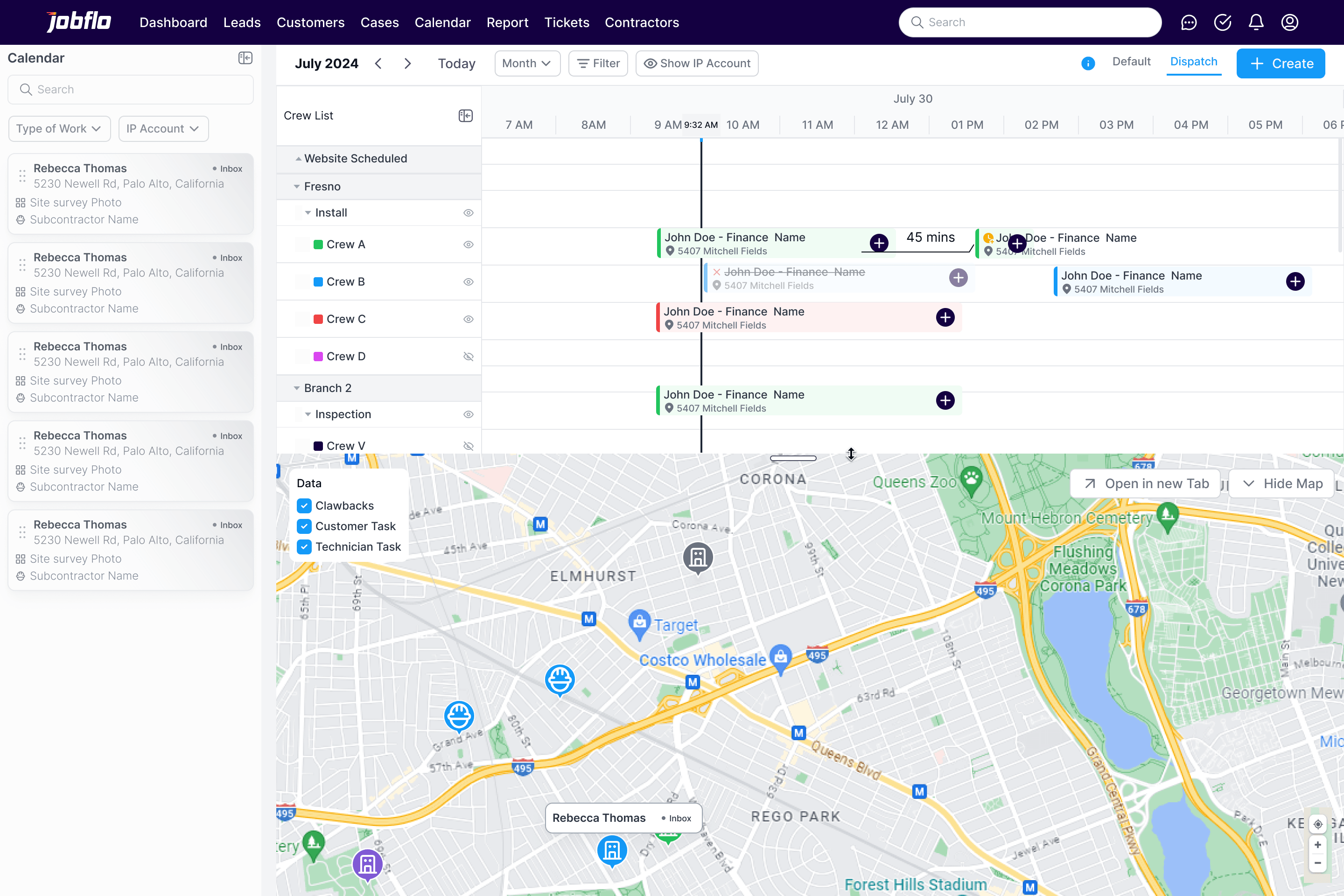
The calendar also works as a dispatch board. Crews sit on the left, jobs run along the day, and the map below shows where each crew is headed, so the office can see drive time before it books the next job.
Design system
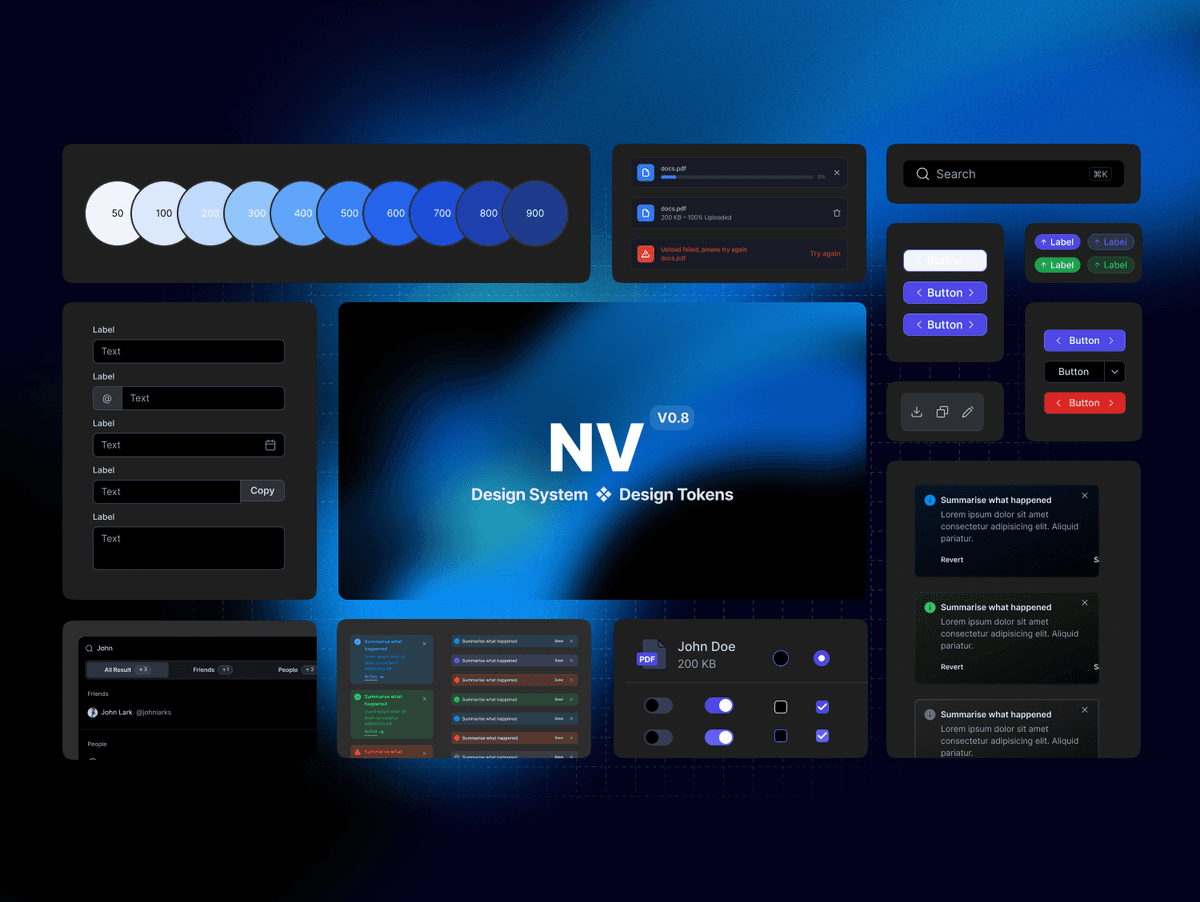
The product is built on Chakra UI, extended with custom components where the domain needed them: form components, project status indicators, photo gallery patterns, and a notification system. The custom layer is where Jobflo's own workflows live.
More projects
Contact
Have a project? Say hello at